Keep useful readings together.
Use the customisable dashboard to view the vehicle readings your setup supports. The supplied render shows one example layout; it does not establish support for every gauge.


Personalise your PD-Display dashboard with the supported vehicle readings that matter to you.
See what you need ↓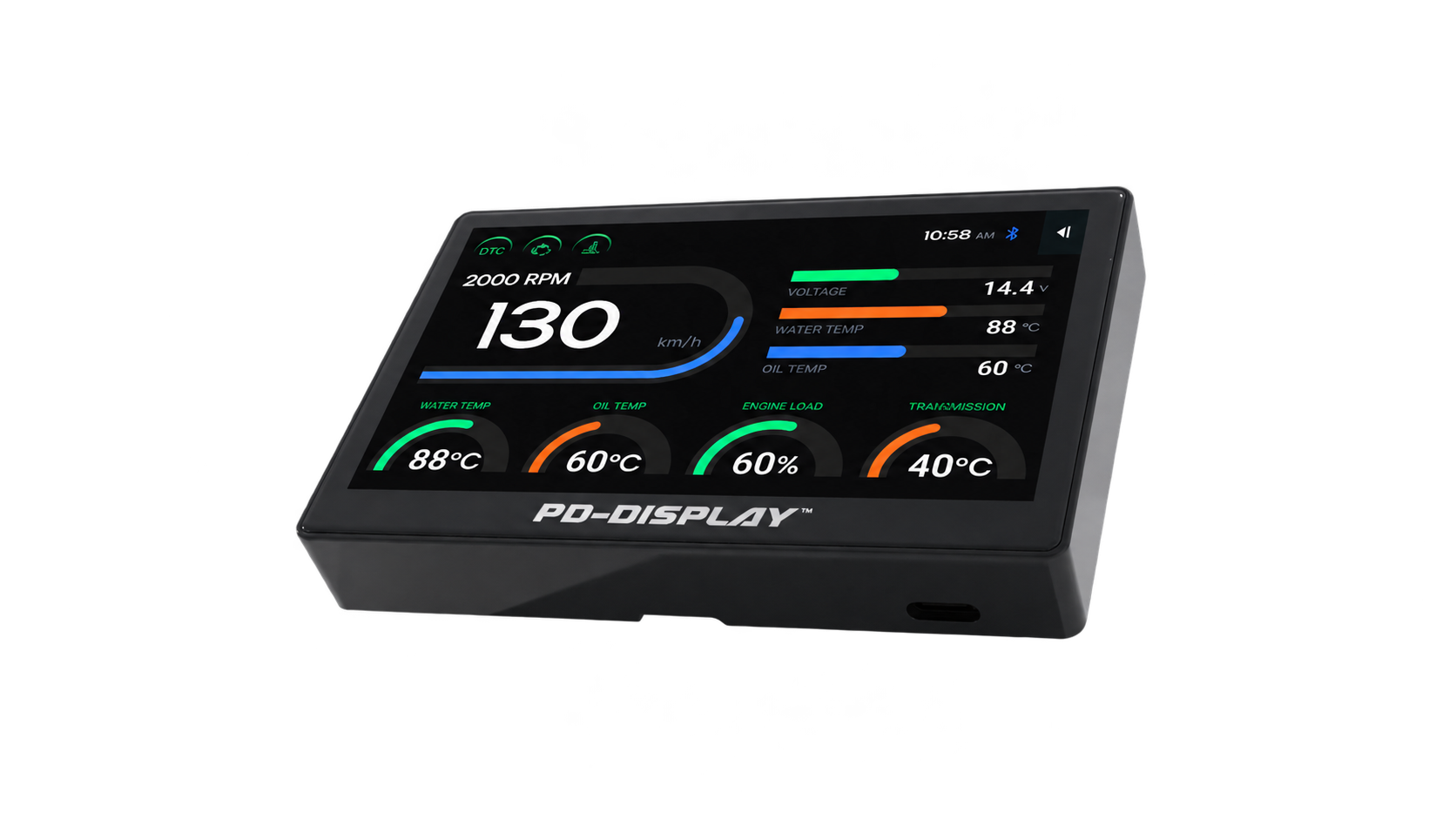
PD-1 supplies the supported vehicle readings; PD-Display brings them into a dedicated in-car view. Available gauges vary by vehicle.
Use the customisable dashboard to view the vehicle readings your setup supports. The supplied render shows one example layout; it does not establish support for every gauge.
Prefer several values side by side? Explore GridView for another way to view supported readings on PD-Display.
Car Health monitoring and storage requires PD-1 and PD-Display connected together. Tyre-pressure monitoring additionally requires PD-Tyre; it is not supplied by the scanner alone.
Set up the display while safely parked. Available readings depend on your vehicle and connected devices; a normal-looking gauge is not a guarantee of vehicle condition.