Read values side by side.
The grid brings several supported readings into one view. Labels and values make it possible to review the information your connected vehicle provides.


View supported vehicle readings side by side in a grid on PD-Display, with data supplied by PD-1.
See what you need ↓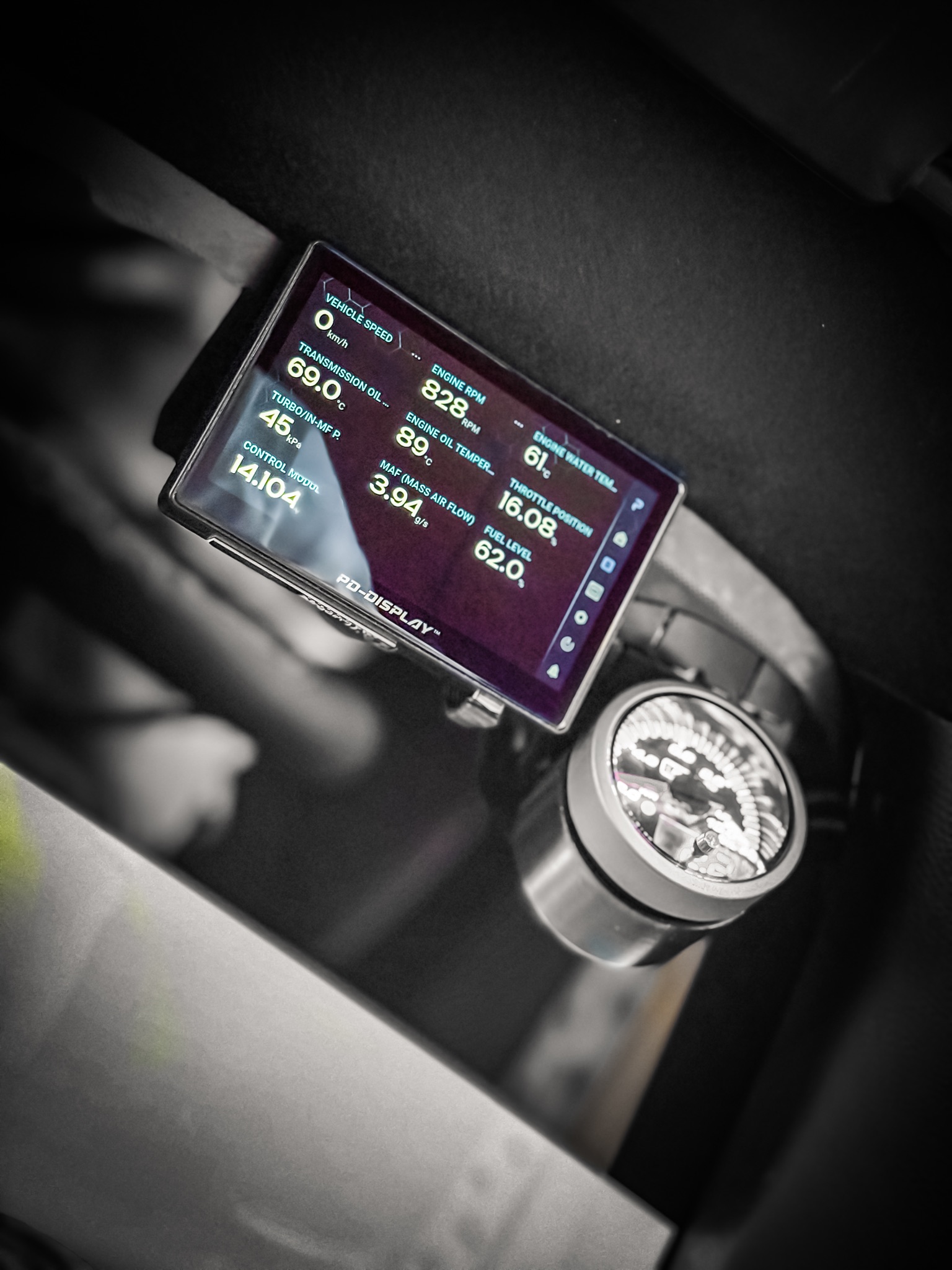
GridView requires PD-1 and PD-Display. Each vehicle provides a different set of supported readings; the photograph is an example from one installation.
The grid brings several supported readings into one view. Labels and values make it possible to review the information your connected vehicle provides.
A reading visible in this photograph may not be available on your car. Confirm your make, model and year and the specific readings you need before purchasing.
GridView is a display layout. Car Health is the related monitoring and storage workflow, using PD-1 and PD-Display connected together.
The photograph shows a real installation and example values. It is not a live feed, a compatibility result or a promise that every vehicle exposes the same data.