

How to customise your PD-Display dashboard
Add a dashboard template and change the readings shown on your PD-Display.
Open your dashboards
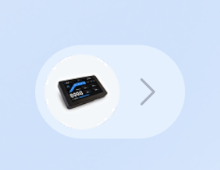
1. On the app Home screen, tap the PD-Display settings bubble.
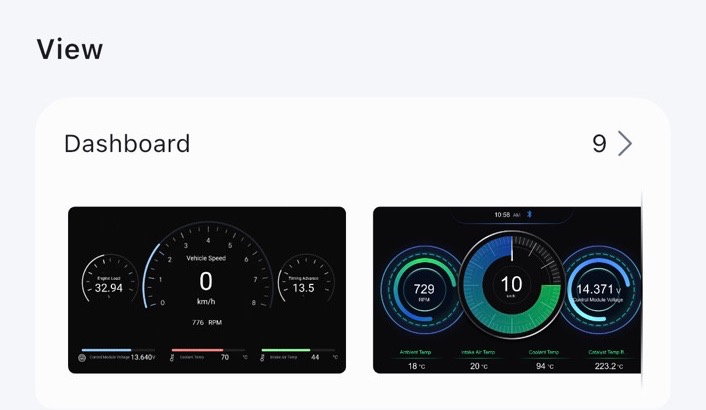
2. Under View, tap Dashboard.
Add a dashboard
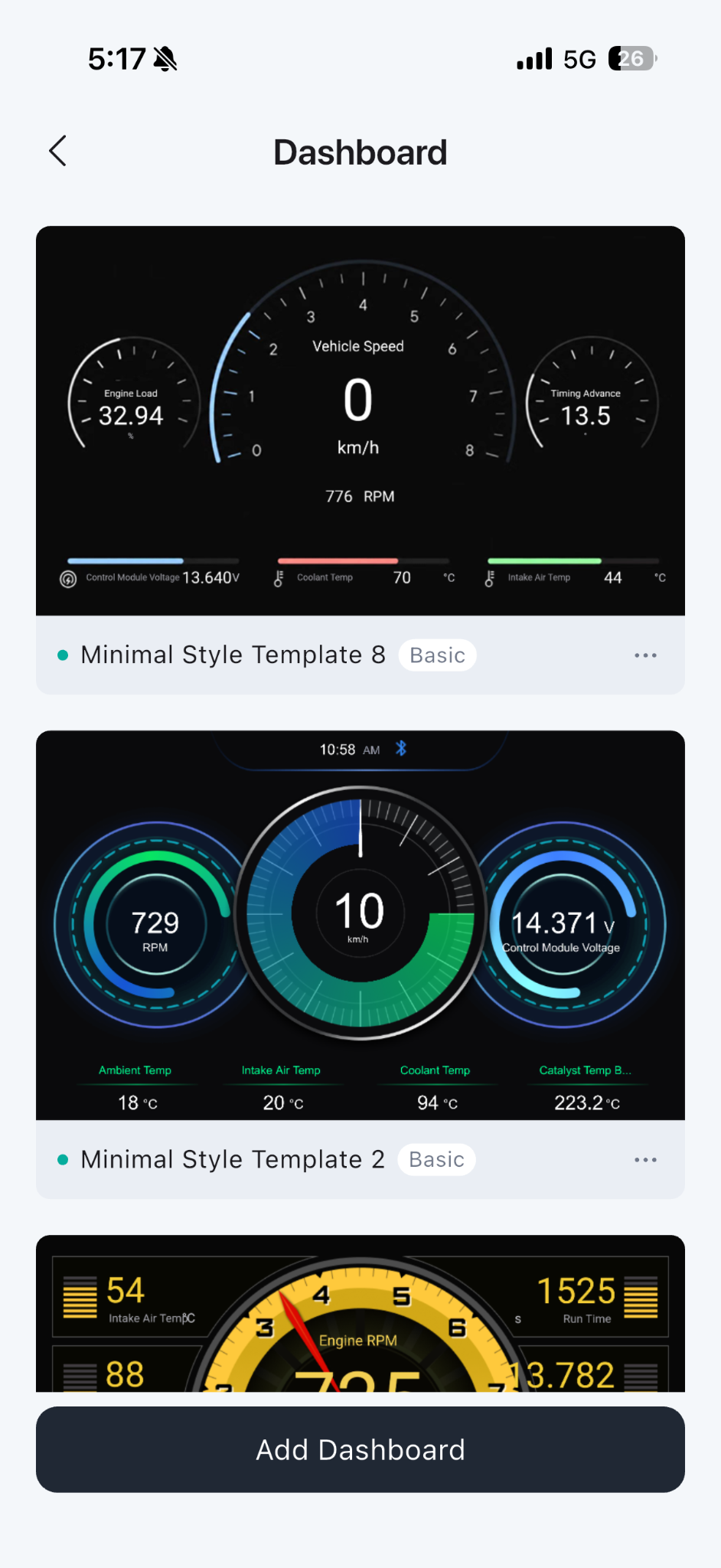
1. Tap Add Dashboard.
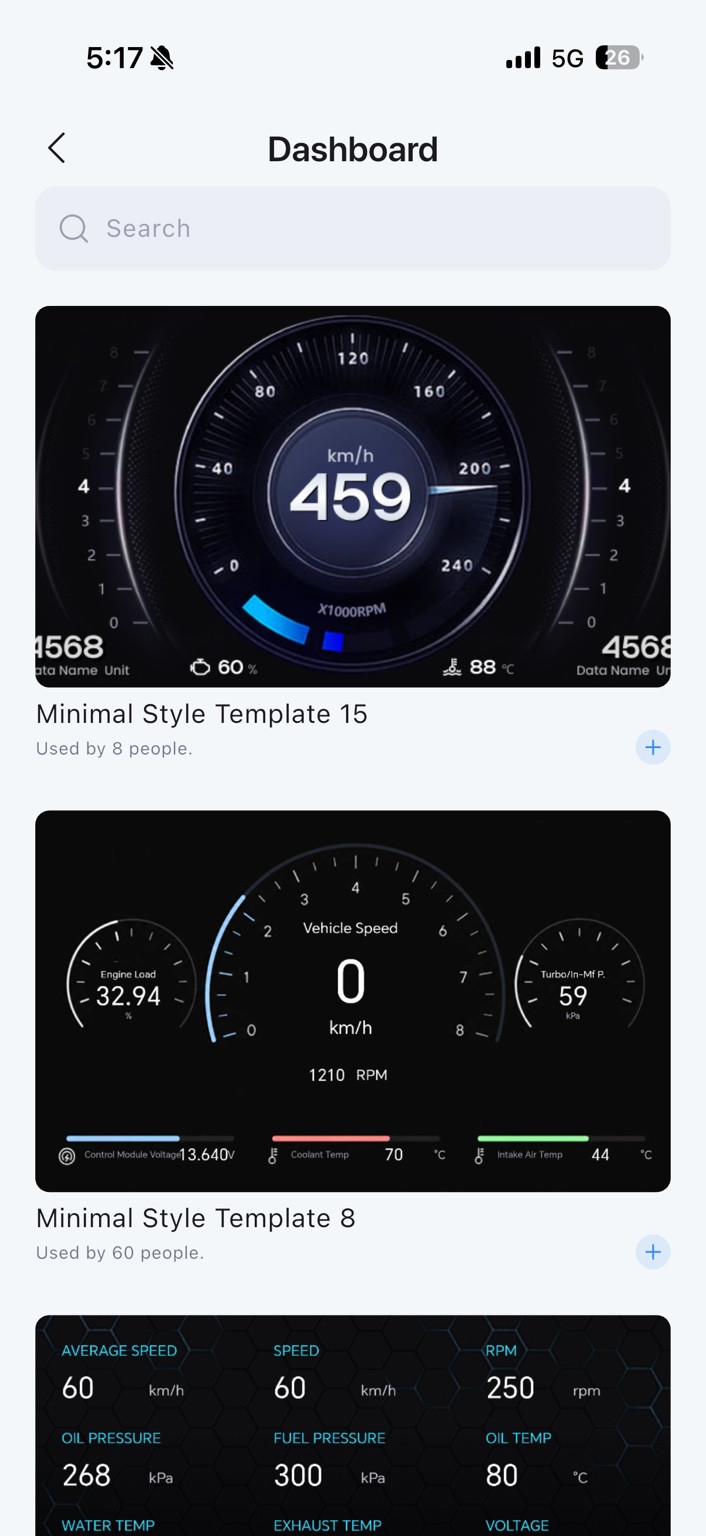
2. Choose Add Template to browse the template library, or Add Custom.
3. In the template library, use the plus button to add a template.
Change an existing dashboard
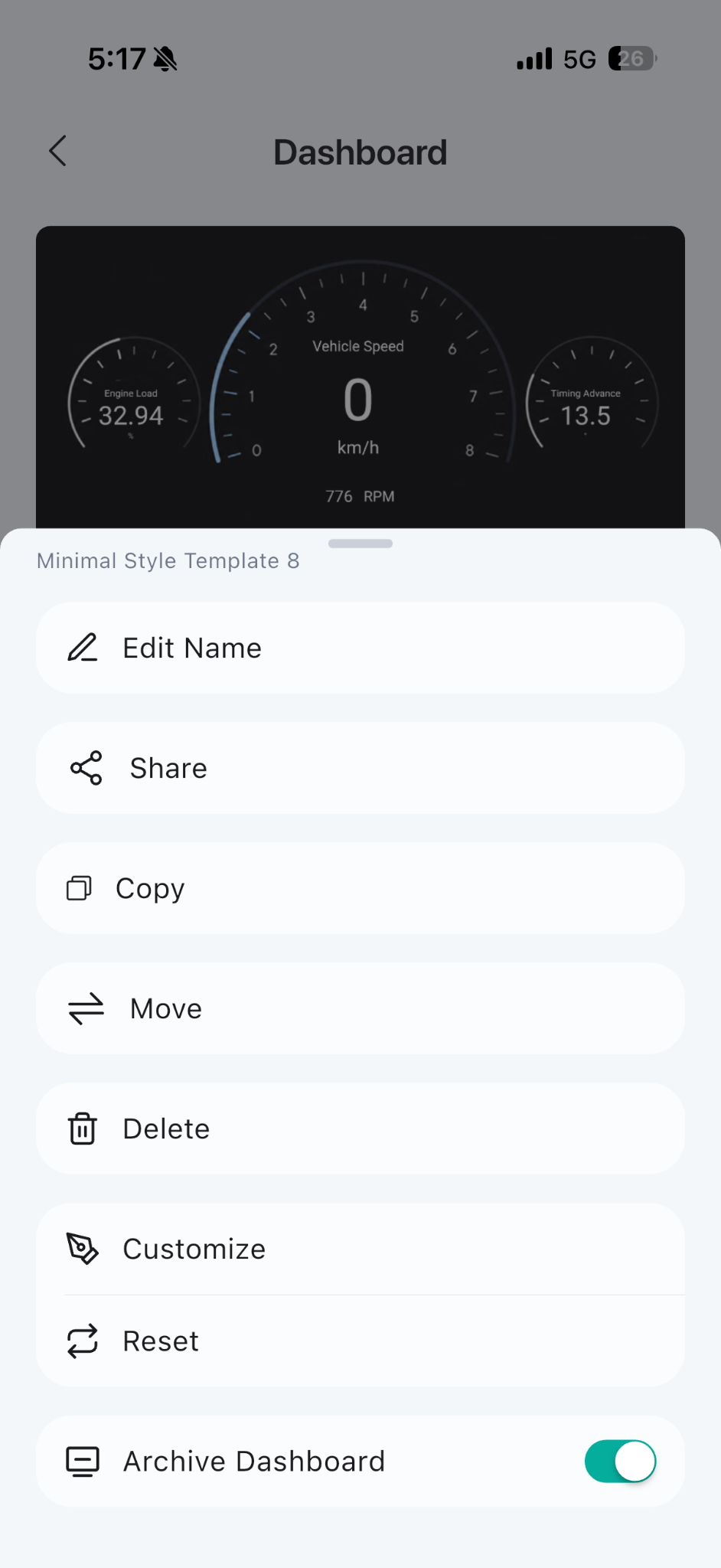
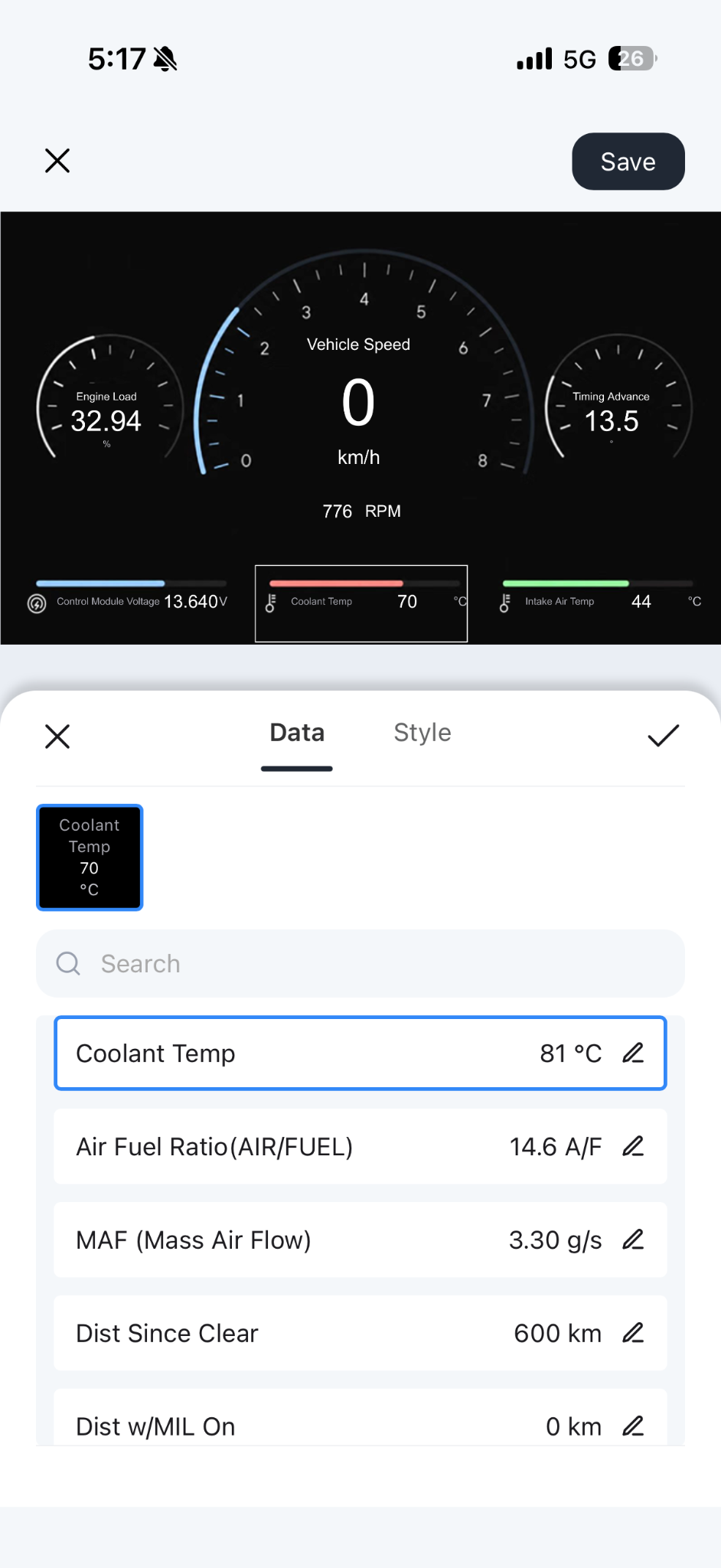
1. Open the dashboard’s three-dot menu and select Customize.
2. Tap a gauge to open its Data and Style options.
3. Select the reading you want, tap the checkmark, then tap Save.