

How to use Mileage Check
Compare your odometer reading with available mileage records from your car.
Mileage Check compares the odometer reading you enter with mileage information available from your vehicle’s modules.
Connect PD-1 to the mobile app and open the app.
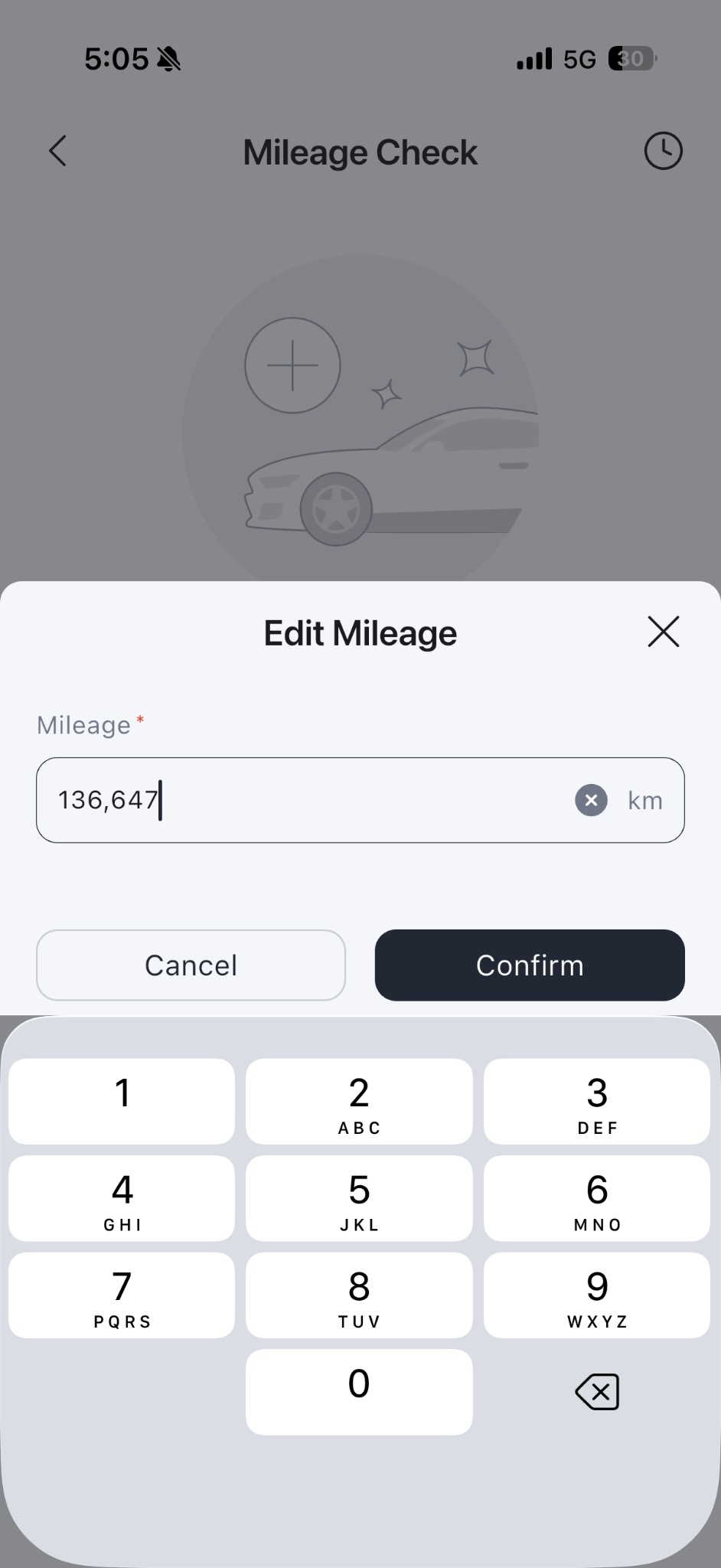
1. Enter the actual reading shown on your car’s odometer and tap Confirm.
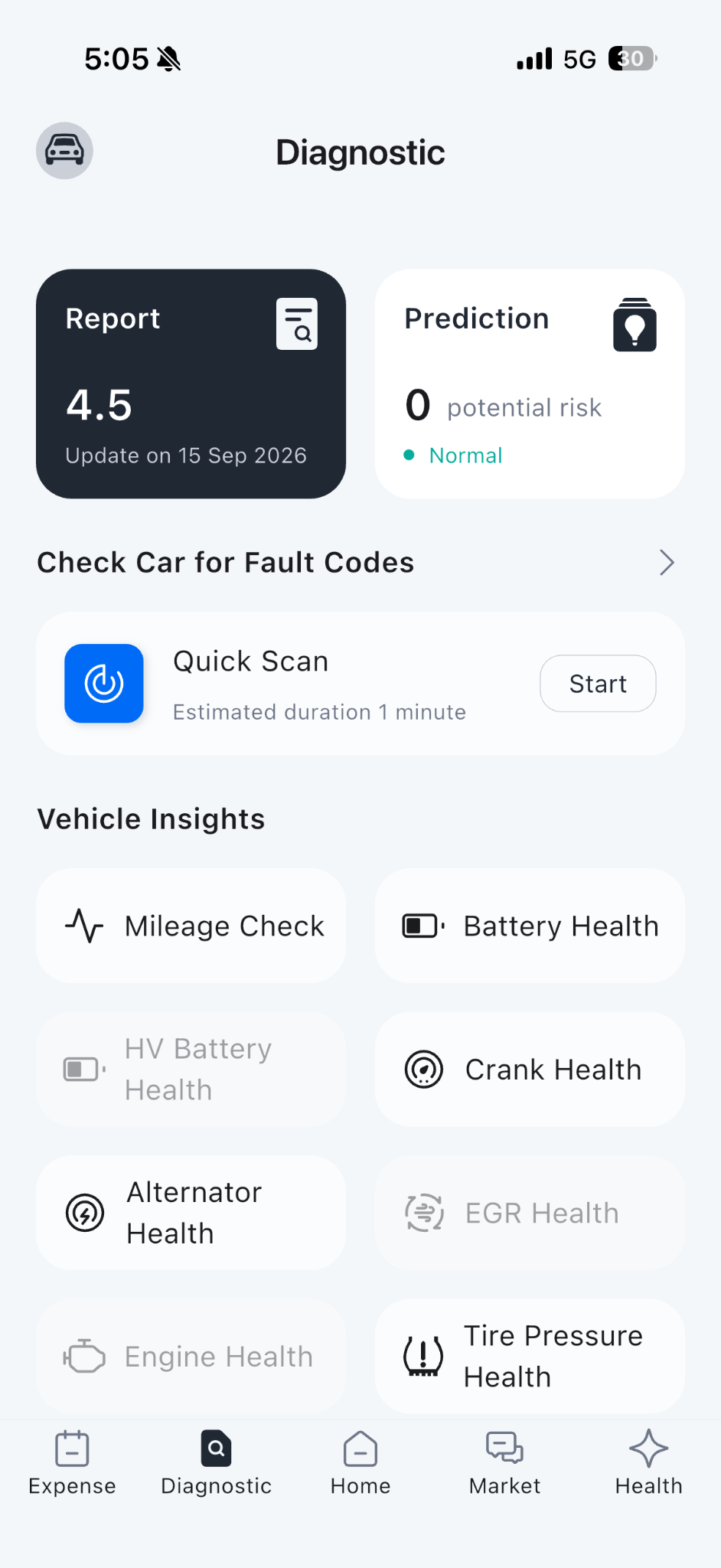
2. Select Diagnostic, then under Vehicle Insights tap Mileage Check.
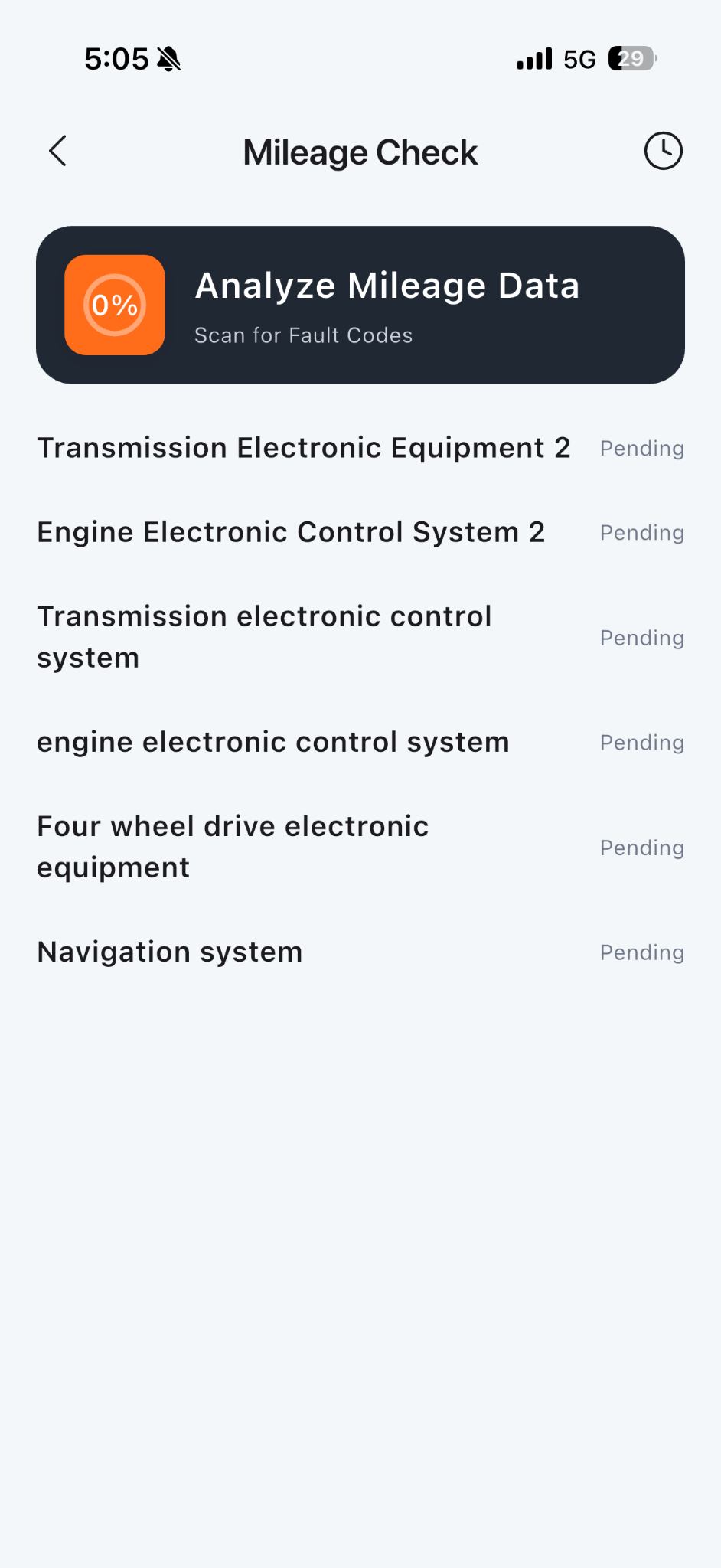
3. Wait while the app analyses the available mileage data.
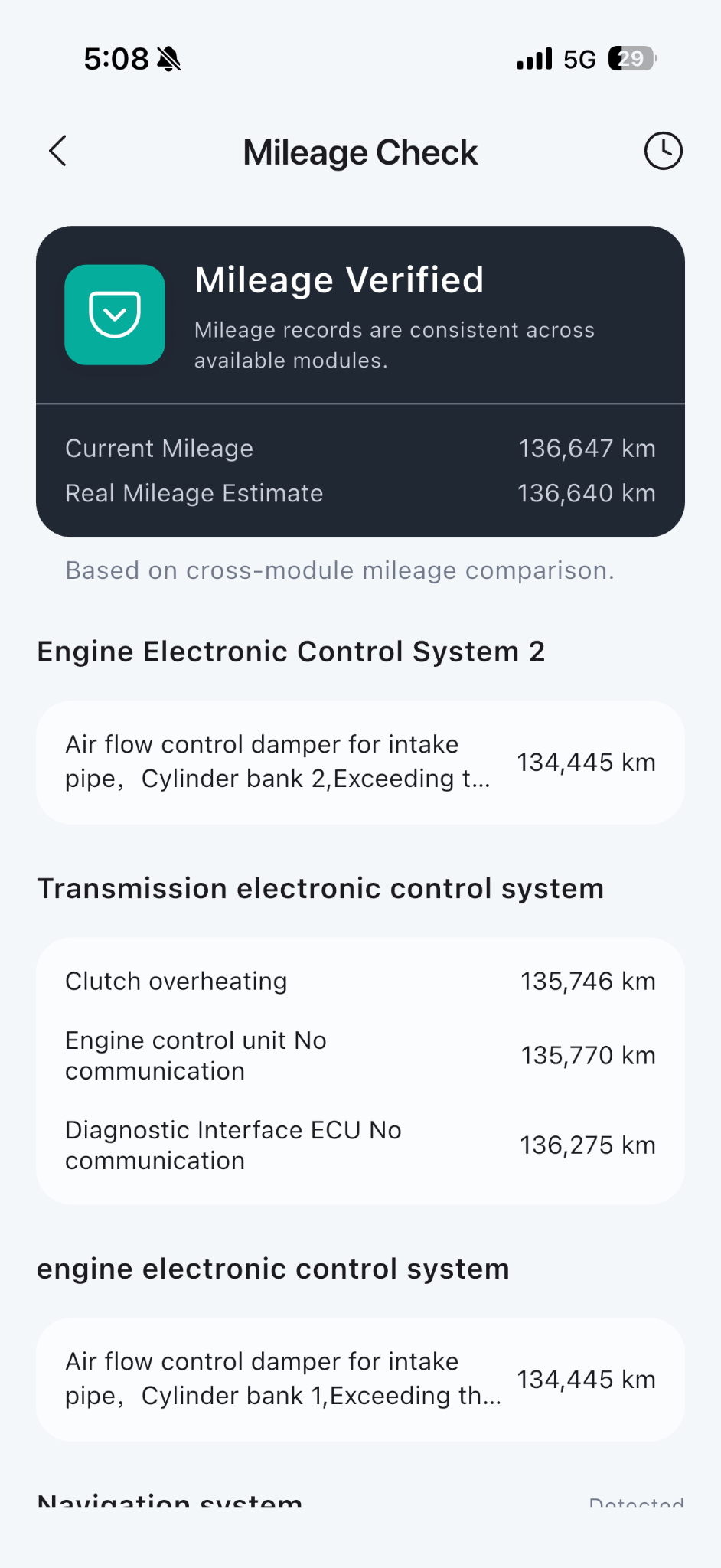
4. Review the result, entered mileage, estimate and available module and event readings. If readings differ, review them alongside the vehicle’s service history.