

Switch PD-1 between the mobile app and PD-Display
Choose whether PD-1 connects to the mobile app or PD-Display, and switch back when needed.

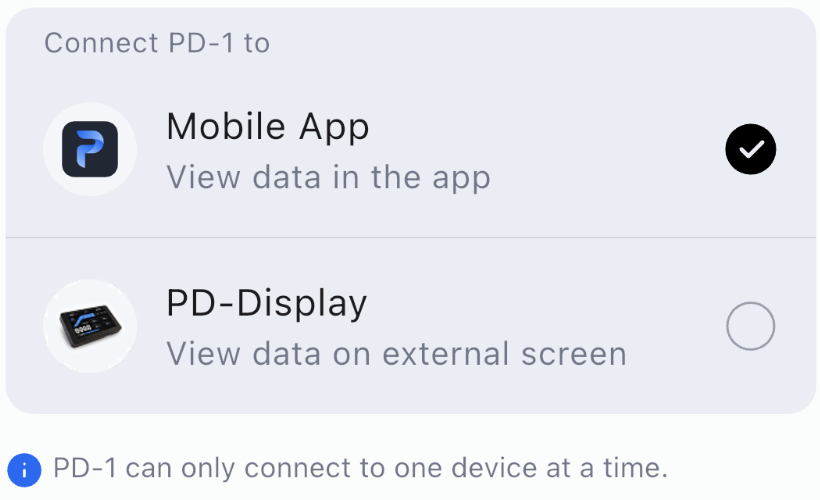
PD-1 can connect to one device at a time: the mobile app or PD-Display.
1. Open the connection menu
On the app Home screen, tap the downward arrow on the PD-1 connection-status row. It is directly beneath the separate PD-Display settings bubble.
2. Choose where to connect
In PD-1 Connection, select Mobile App to view data in the app, or PD-Display to view it on the display.
To switch back, open the same connection menu and select the other device.